
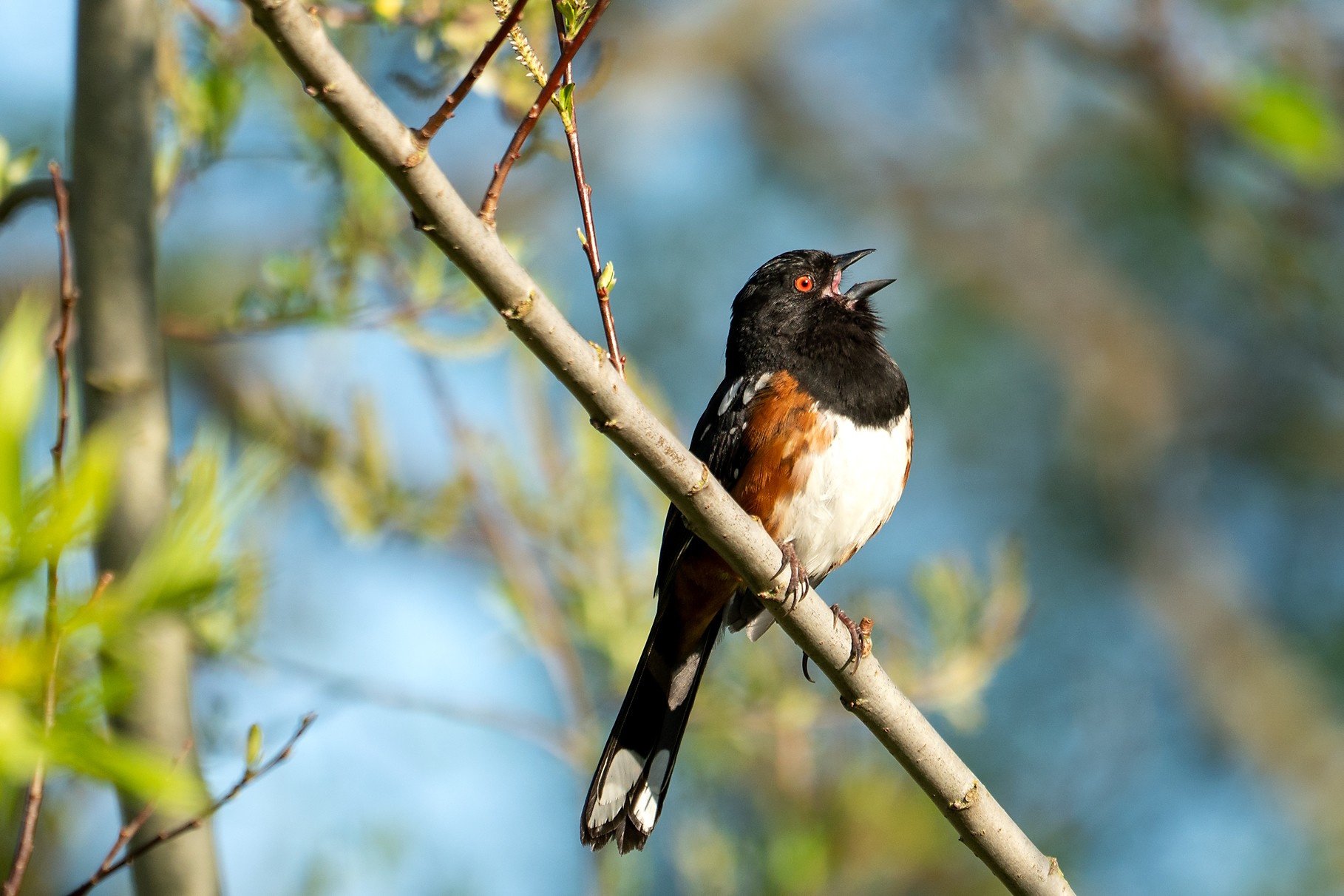
Spotted Towhee singing—Photo: Dow Lambert
Birding by Ear
by Jane Nicholas and Ida Domazlicky
Have you ever stepped outside, heard a sweet bird song or a raspy croak, and wondered what on earth could be making that sound? So have I. Ida amazes me with how many birds she can identify by ear. Do you remember the old game show Name That Tune? In a birding version, Ida would win without breaking a sweat. I wouldn’t make it past the first round.
For years, I couldn’t do much birding by ear because of high‑frequency hearing loss I developed when I was young, and more recently I lost some mid‑range hearing as well. I finally took the leap and got hearing aids. This isn’t an ad for hearing aids, but they’ve changed my life in so many happy ways—and my husband is grateful. Now I hear far more birds and can identify a few by sound, though I still rely mostly on visual clues. Fortunately, there’s help for any of us who struggle with bird calls.
Many field guides include descriptions of a bird’s typical vocalizations, often with a memorable phrase to make them easier to recall. For example, if you hear “Who cooks for you? Who cooks for you all?” (“y’all,” if it’s a southern bird), you’re likely listening to a Barred Owl. There are also CDs and audio collections that play calls and name the species, and it’s best to use versions specific to our region. You can listen at home or in the car. I’ve even tried sleep learning—what’s better than drifting off to bird sounds?—though I can’t say it made me an expert.
Thankfully, there are now excellent bird‑call apps you can download to your phone. Since many of us carry our phones everywhere, it makes perfect sense to use them as a birding tool. If your hearing isn’t perfectly tuned to bird frequencies, an app can listen for you and help with identification. I’ve found the Merlin Bird ID app to be a remarkably useful aid—and surprisingly accurate. (Merlin is free and ad‑free, with an optional donation.) It’s created by the wonderful folks at the Cornell Lab, who also run the eBird.org and AllAboutBirds.org websites.
With the app, you can select the regions you want to focus on, and Merlin will help identify birds by sound or photo. It can also keep a running list of the birds you’ve seen or heard. If you like, it will even save recordings of the songs and calls you capture at a specific location.
To have Merlin begin listening, open the app and select “ID by Sound” by tapping the microphone icon. It works best if you’re standing still and away from as much background noise as possible. You can use it in your backyard or while walking in the woods. Merlin often picks up birds I might have otherwise missed—even with hearing aids. When a bird pops up with a suggested ID, I stop and look around to confirm it visually. The app is very good, but not perfect; once it identified my dog’s bark as a rare goose, so it does have its moments.
You can also tap on the bird’s name on the screen. Merlin will give you a brief description, habitat notes, behavior, a range map, and additional vocalizations so you can compare them to what you’re actually hearing. If you answer “Yes, this is my bird,” Merlin will save it to your personal life list. In addition to sound ID, the app can attempt an identification from a photo you upload, offering a short list of likely species.
Merlin has truly increased my birding pleasure and is helping me learn calls. As a birding companion, Merlin isn’t quite as much fun as Ida—and it doesn’t share snacks—but both Ida and I find it a very useful tool for identification.
Happy Birding!
The Apple version of Merlin can be downloaded from the Apple App Store and used on your iPhone or tablet. The Android version is available on Google Play. Links to both can be found at: Merlin.AllAboutBirds.org/download/